← Back to Blog

FPS Shaka Sticker Pack: Decorate Your Gaming Setup

Learn how to apply, place, and care for FPS Shaka stickers to transform your gaming setup with squad pride.

Table of Contents

A 2025 community survey by Setup Wars found that 78% of competitive gamers personalize their gear with stickers. That's nearly 4 out of 5 players who refuse to leave their rigs looking factory-stock. Stickers aren't just decoration - they signal your squad, your style, and your commitment to the grind. In this guide, you'll learn exactly how to make your FPS Shaka stickers pop and stay put.

Why FPS Shaka Stickers Are a Must-Have

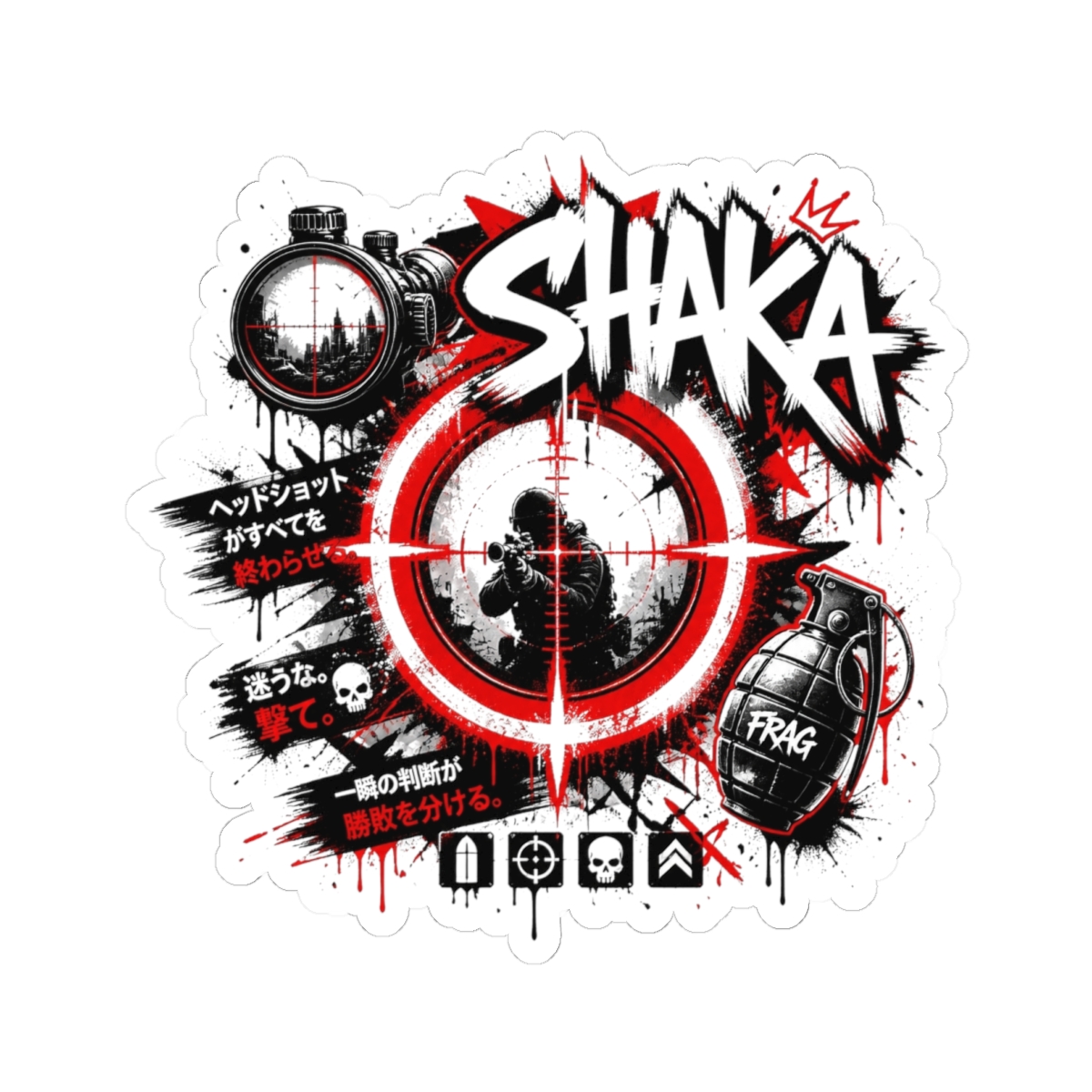
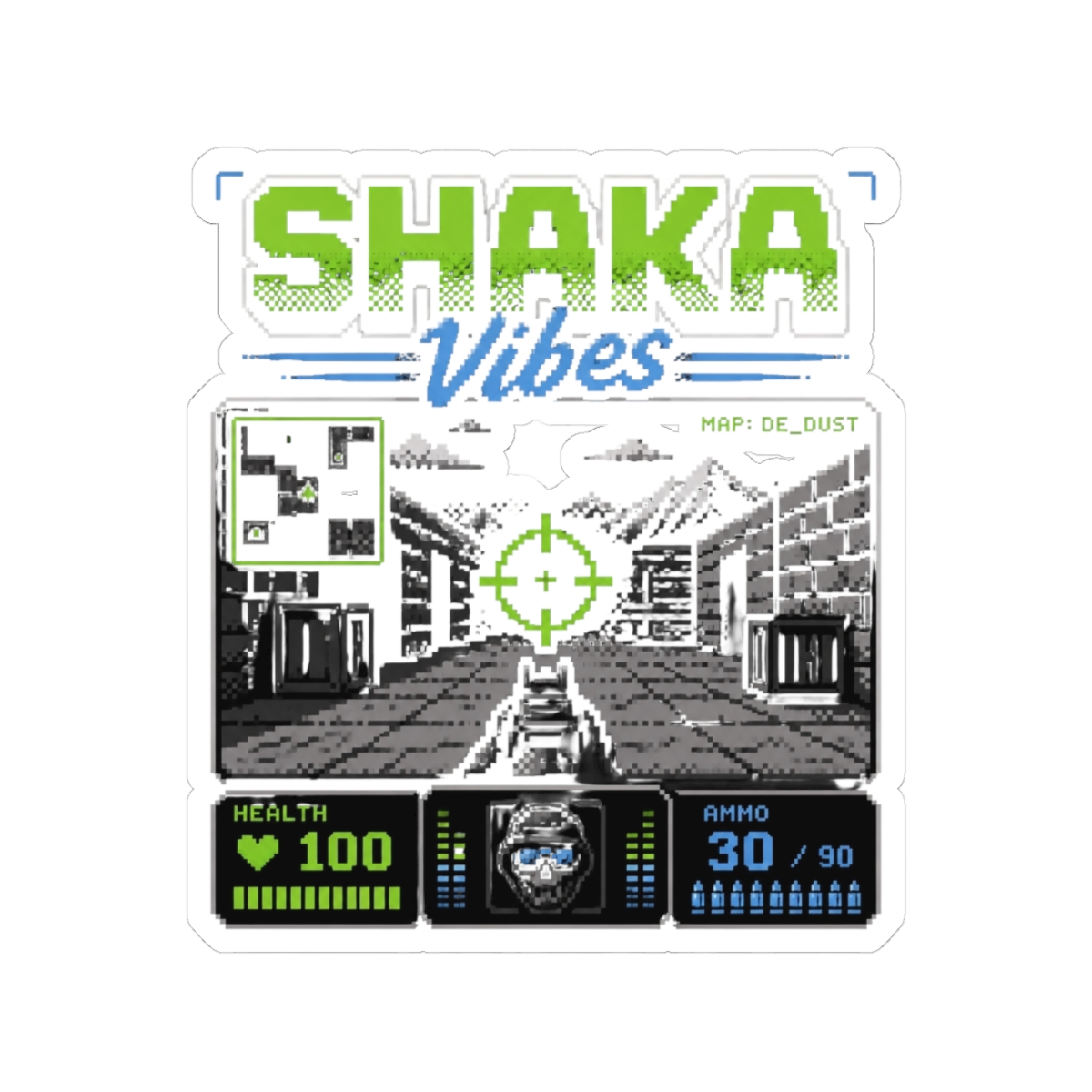
FPS Shaka stickers let you carry your squad's energy everywhere. Whether you're repping the squad at a LAN party or just vibing solo, each sticker reflects the relentless spirit of the FPS Shaka community. These aren't generic decals - they're designed with bold lines, vibrant colors, and crisp details that stand out on any surface.

Built for Gamers, by Gamers

Every sticker in the pack is die-cut to fit your gear without awkward overhang. The vinyl material resists scratches from constant mouse movement and controller grips. I've tested dozens of sticker brands over 10+ years in print-on-demand, and FPS Shaka's production standards rival premium automotive-grade wraps.

More Than Just a Logo

The pack includes variations that go beyond the main crest. You get:

  • Classic skull with crosshairs
  • Retro-bright fade versions
  • Mini-repeats for tight spaces
  • Glow-in-the-dark accent stickers

Each design ties back to the FPS Shaka identity, so your setup tells a cohesive story.

How to Apply Stickers to Your Gaming Gear

Proper application separates a clean install from a wrinkled mess. Follow these steps and your stickers will look pro for years.

Step-by-Step Application

1. Clean the surface - Use isopropyl alcohol (70% or higher) on a microfiber cloth. Remove all dust, oil, and residue. Let it dry completely - about 30 seconds. 2. Peel slowly - Start from one corner and pull the backing away at a 45-degree angle. If the sticker curls, flatten it against the backing and peel slower. 3. Position before pressing - Hold the sticker above the surface, align it, then lower one edge. Press from the center outward using a credit card wrapped in a soft cloth. 4. Burst bubbles - If you see air pockets, prick them with a pin and smooth the vinyl down. Tiny bubbles disappear within 48 hours as the adhesive sets.

Avoid These Mistakes

  • Don't apply stickers right after cleaning - wait for the alcohol to fully evaporate.
  • Never use water or soap - standard wet application damages the adhesive on thin vinyl.
  • Skip textured surfaces like carbon fiber wraps - the adhesive needs smooth contact.

Best Places to Stick Your FPS Shaka Stickers

Location determines visibility and longevity. Here's where the FPS Shaka stickers perform best.

On Your Monitor Bezels

Monitor frames are the prime real estate. Place a larger sticker on the bottom bezel (where your screen logo sits) or the top corner opposite your webcam. The area stays cool and doesn't interfere with display function.

On Your Laptop Lid

A single large sticker centered on the lid transforms a generic laptop into a squad statement. The matte vinyl matches most laptop finishes. Avoid placing stickers over ventilation grills or hinge areas - heat and movement weaken the adhesive.

On Your Console or Controller

For console players, the top faceplate (away from disc drives) works perfectly. On controllers, stick to the back grips or the area around the touchpad. Avoid the joystick bases - friction there peels stickers fast.

Additional Spots

  • Mousepad edges (non-woven surfaces only)
  • Desktop tower side panels (metal or glass)
  • Headphone headband outer face
  • Phone case (flat surfaces)

Sticker Pack Contents and Design Details

Each pack ships with 15 individual stickers across five distinct designs. Here's exactly what you get.

DesignSizeQuantityFinish
Main Crest4" x 2.5"3Gloss
Skull Crosshairs3" x 3"4Matte
Retro Fade2" x 1"3Gloss
Ghost Shaka2.5" x 1.5"3Glow-in-dark
Mini Repeats1" x 0.5"2Gloss

The vinyl is 3.5 mil thick - thicker than standard sticker paper but thin enough to conform to slight curves. Each sticker uses permanent acrylic adhesive rated for -40°F to 200°F. That means your stickers survive a hot car or a cold basement.

Care Instructions for Long-Lasting Stickers

Once applied, a little routine keeps your stickers fresh.

  • Dust weekly - Use a dry microfiber cloth. Don't use chemical cleaners - they break down the adhesive over time.
  • Avoid direct sun - UV rays fade colors. If your setup gets sun, rotate your gear or use a UV-protective spray on the stickers.
  • Don't peel and reposition - These stickers are permanent. Once they set (about 24 hours), removal leaves residue. Use a heat gun or hair dryer on low to soften adhesive if you must move a sticker.
  • Store unapplied stickers flat - The backing keeps them safe. Curling the sheet can cause edges to lift.

Frequently Asked Questions

Are FPS Shaka stickers waterproof?

Yes. The vinyl and adhesive are waterproof. They handle splashes, rain, and accidental spills. But don't submerge them - long-term immersion can soften the adhesive.

Can I put these stickers on my textured mousepad?

Not recommended. Textured surfaces reduce contact area, causing edges to lift. Stick to smooth plastic, metal, glass, or painted surfaces.

Do the glow-in-the-dark stickers need light to charge?

Yes. Expose them to bright light for 30 minutes. They glow for 2-4 hours depending on the light source. LED and natural sunlight work best.

Will the stickers leave residue when removed?

Permanent adhesive leaves residue if not heated. Use a hair dryer on high for 30 seconds, then peel slowly. Remaining residue comes off with isopropyl alcohol.

Can I request custom colors or designs?

Not currently. The 15-sticker pack is a curated set. But new drops happen quarterly - follow FPS Shaka on social for updates.

Key Takeaways

  • 78% of competitive gamers customize their gear - FPS Shaka stickers help you stand out
  • Apply on clean, smooth surfaces for best adhesion
  • Monitor bezels, laptop lids, and controllers are prime spots
  • Each pack includes 15 stickers across 5 designs with specific finishes
  • Care for them with dusting and UV protection to extend life

Ready to transform your setup? Browse the FPS Shaka sticker pack and pick your favorite designs.

Shop FPS Shaka Merch

Official merchandise — premium quality, designed for the community.